Use the #1 ToolVFX Pros Want to Learn
After 8 hours of training, you'll be using ComfyUI as a tool in your existing pipeline.
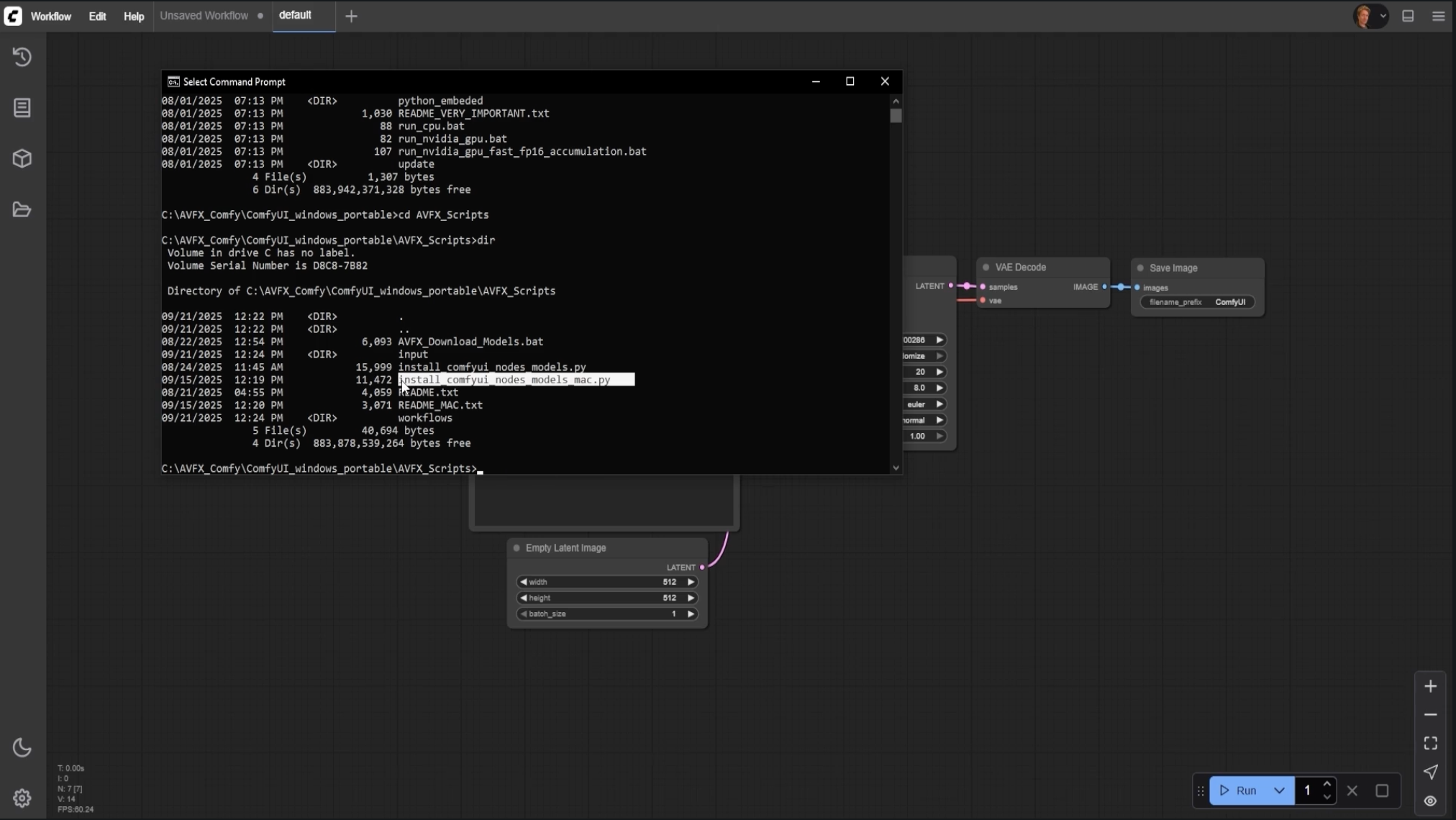
Getting Started with ComfyUI
Install ComfyUI, learn the interface, and load your first workflows.
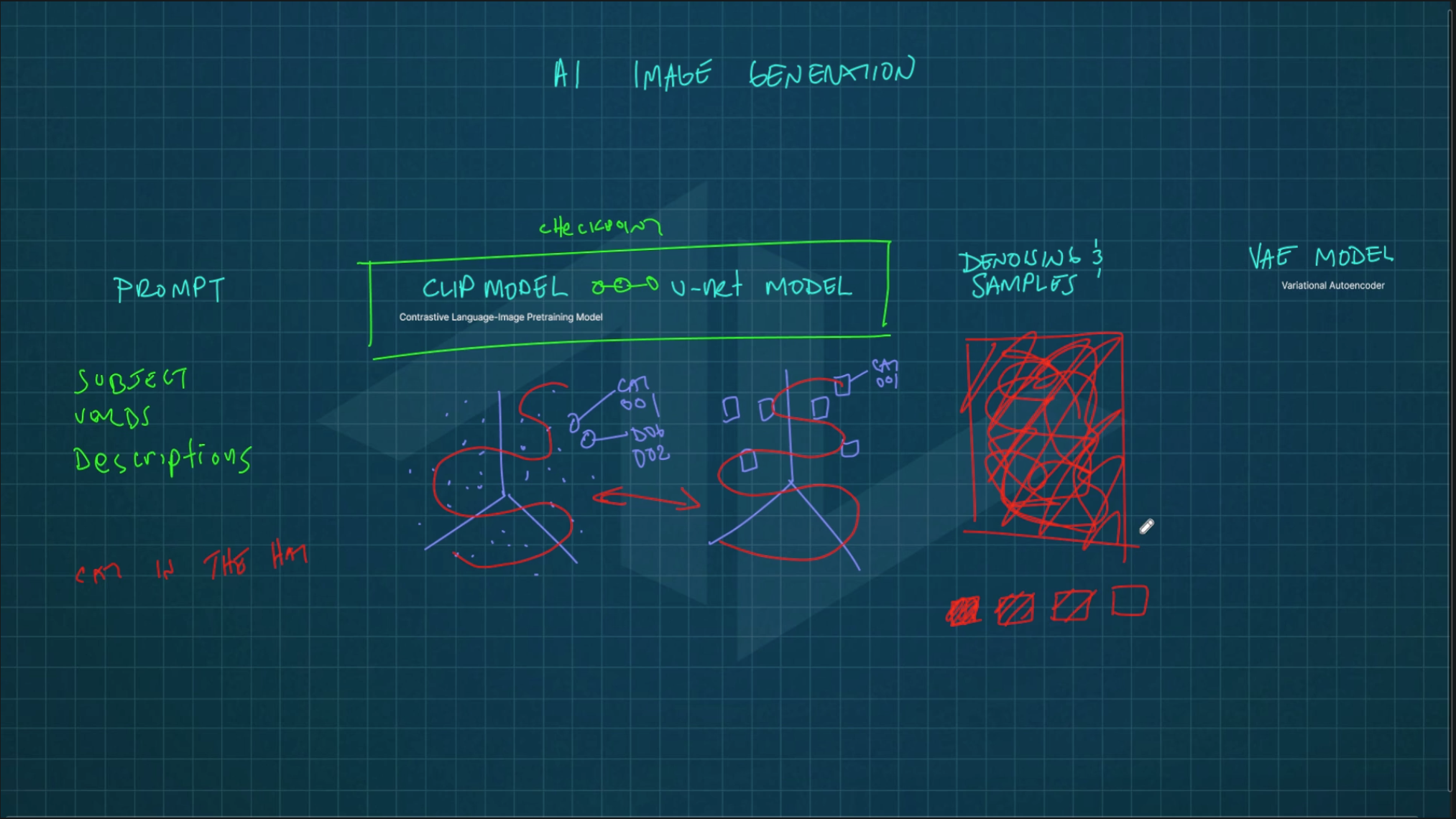
How AI Image Generation Works
Understand the technical pipeline from prompt to image, including models and key components.
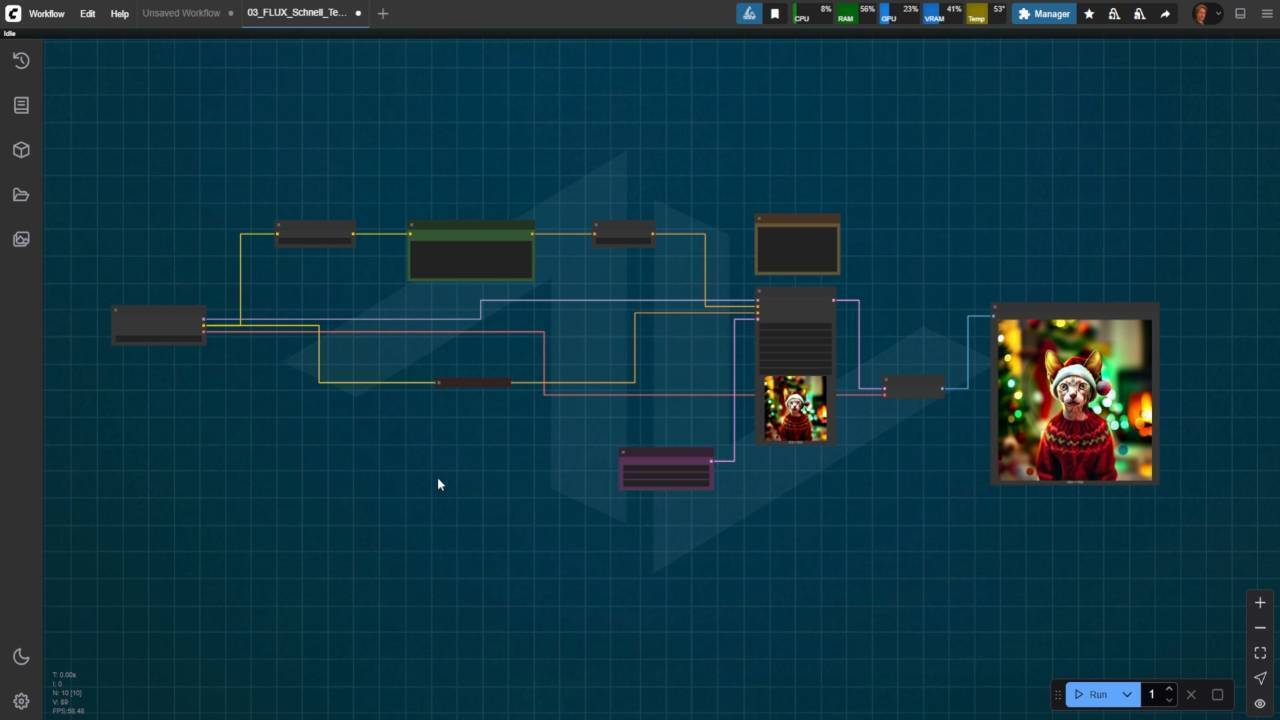
Text-to-Image Workflow
Build and control text-to-image generation using core nodes and prompt techniques.
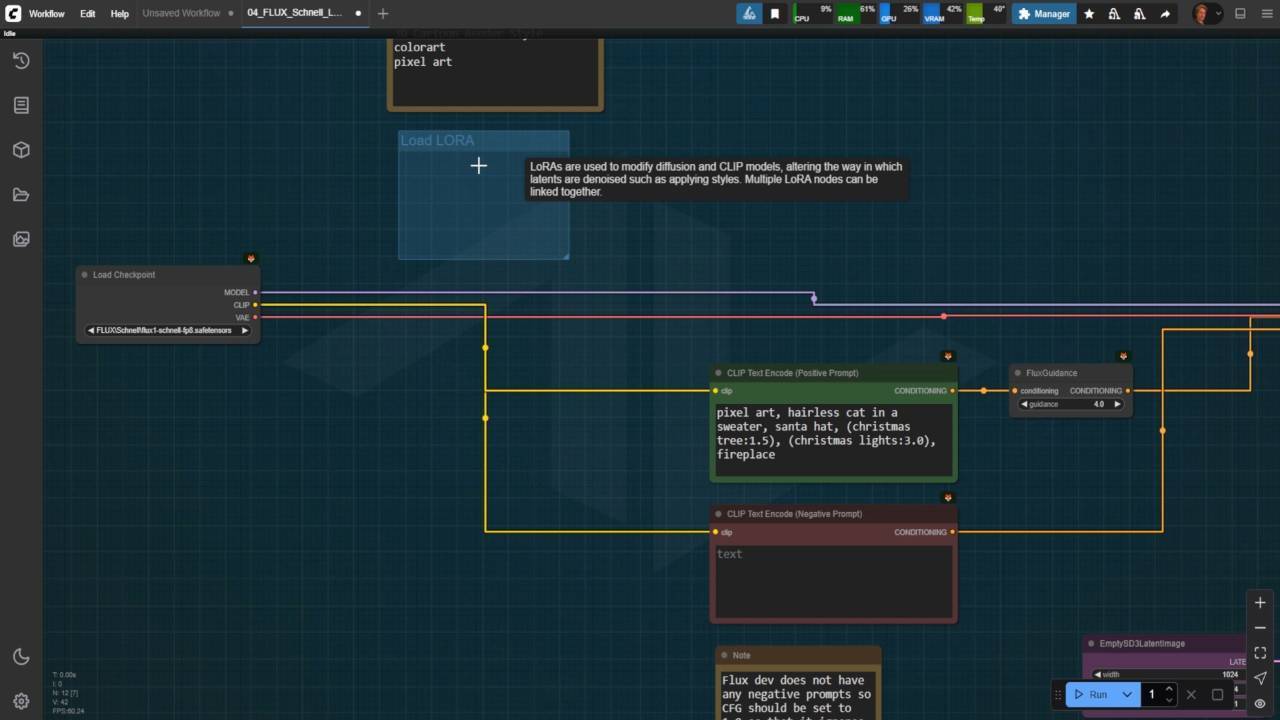
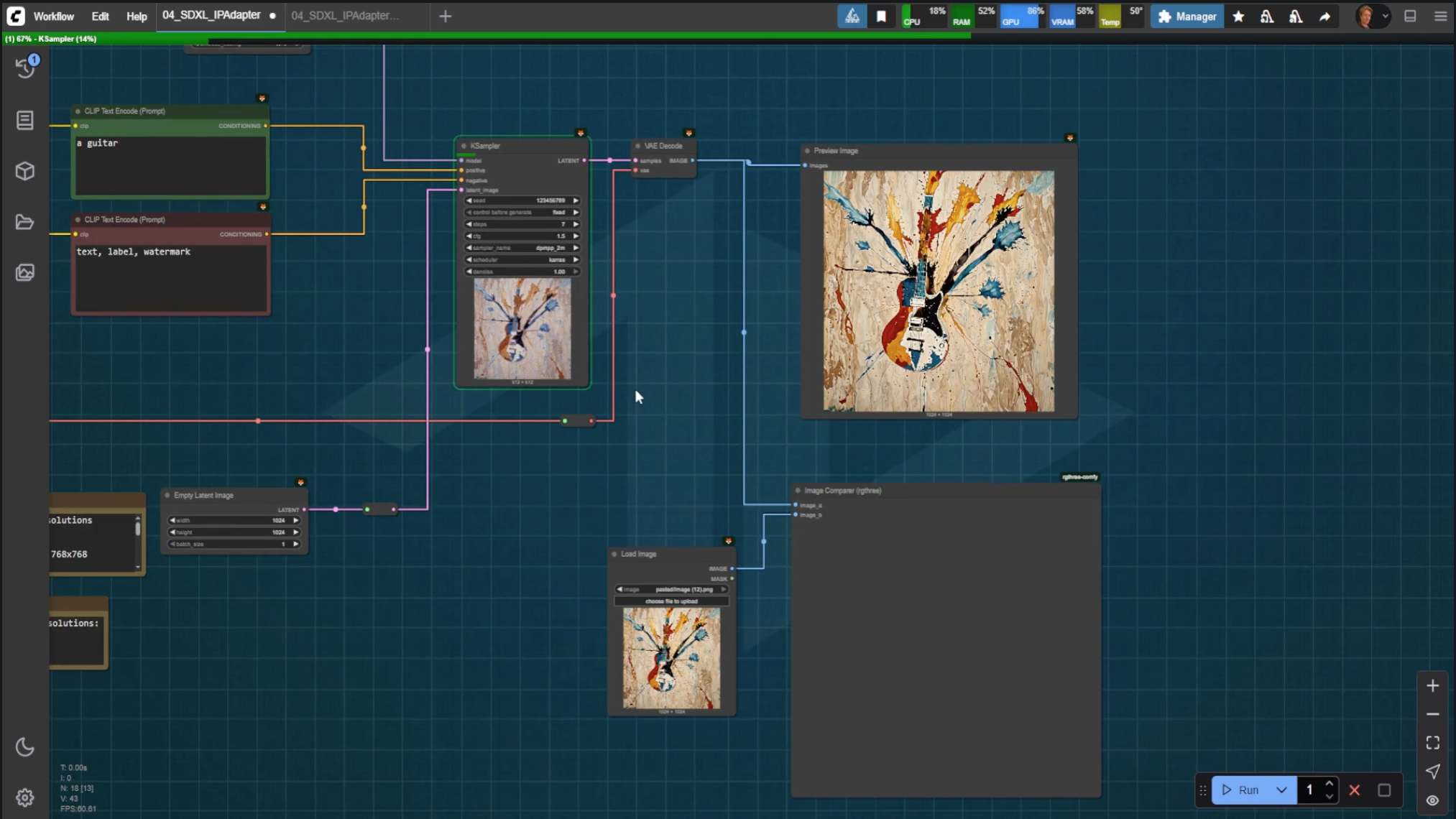
LoRAs and IPAdapters
Learn how to install and use LoRAs and IPAdapters to guide and stylize image outputs.
LoRAs and IPAdapters
Learn how to install and use LoRAs and IPAdapters to guide and stylize image outputs.
ControlNet
Use ControlNet models to steer generation with depth, pose, sketch, and other structural inputs.
ControlNet
Use ControlNet models to steer generation with depth, pose, sketch, and other structural inputs.
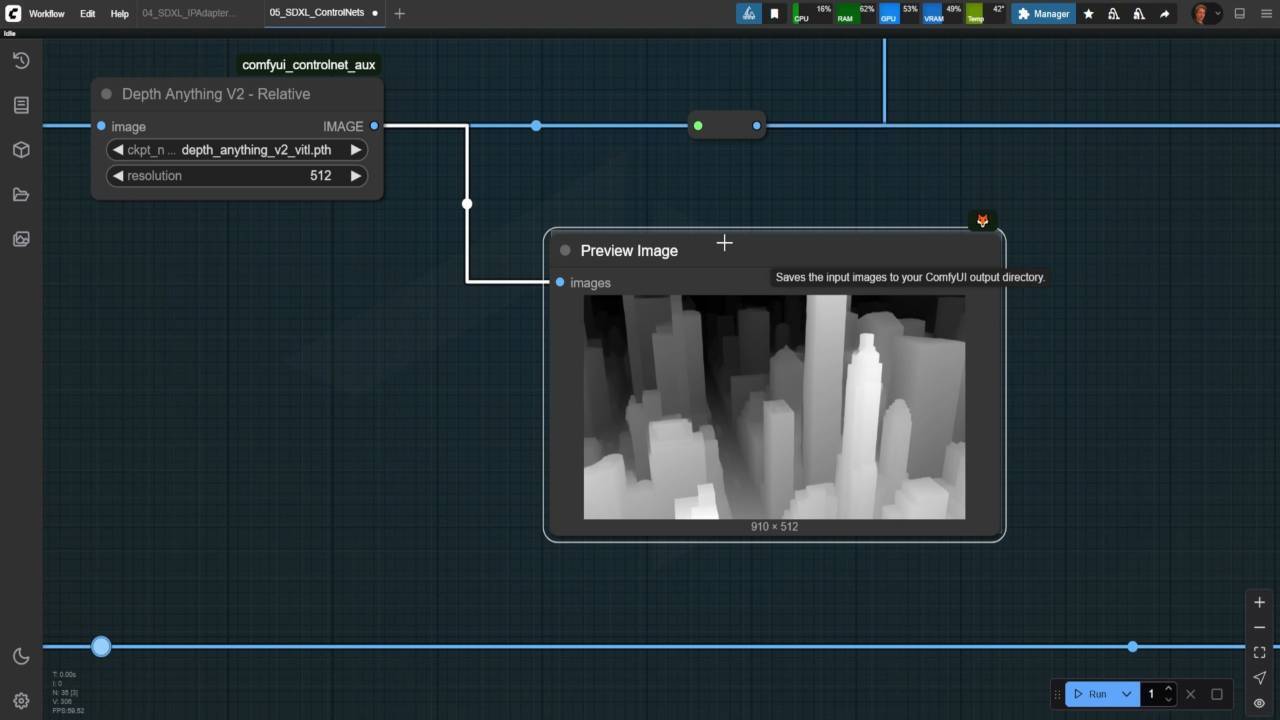
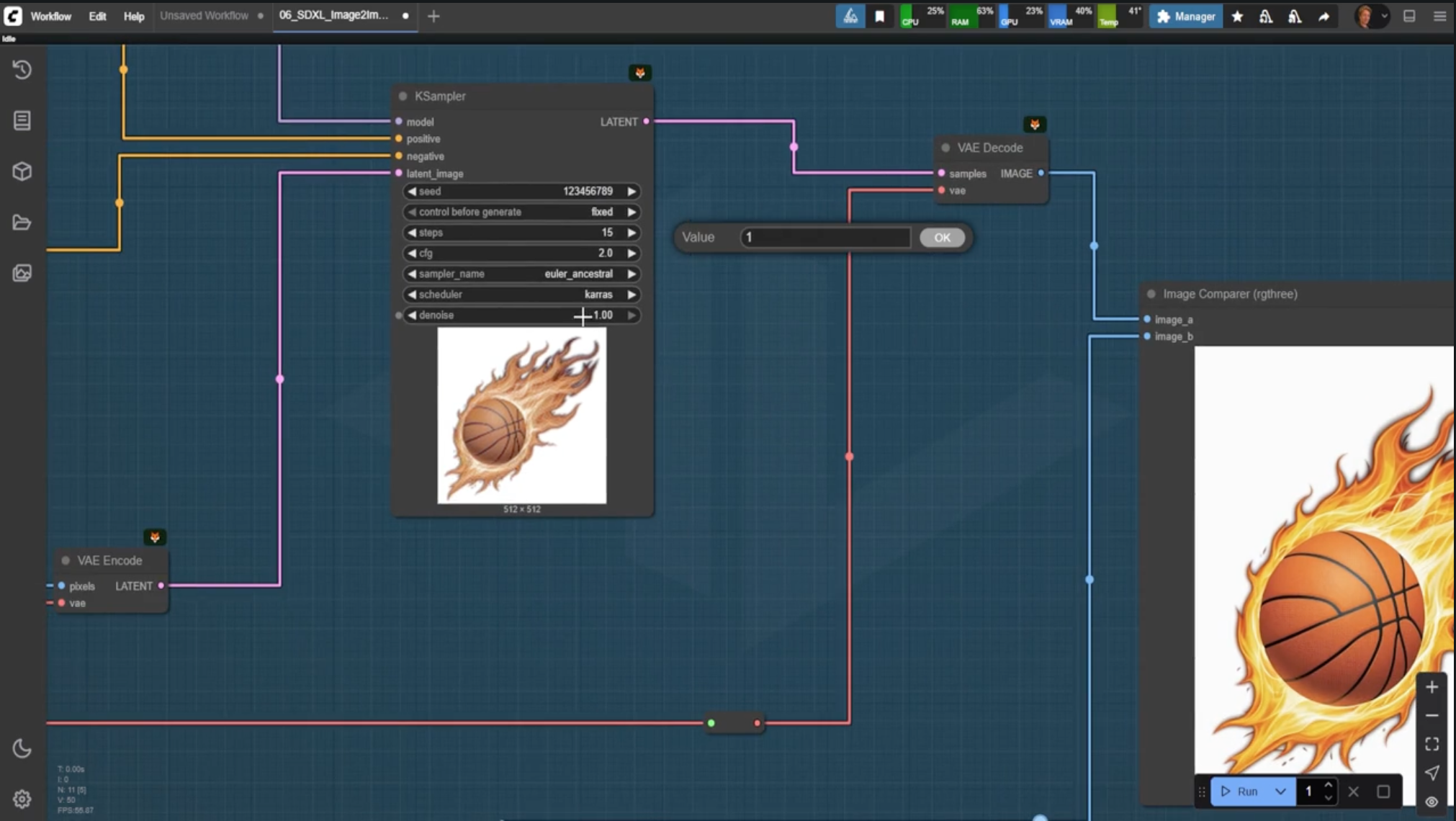
Image-to-Image Techniques
Transform existing images with style variants and fidelity controls, combined with LoRAs and ControlNet.
Image-to-Image Techniques
Transform existing images with style variants and fidelity controls, combined with LoRAs and ControlNet.
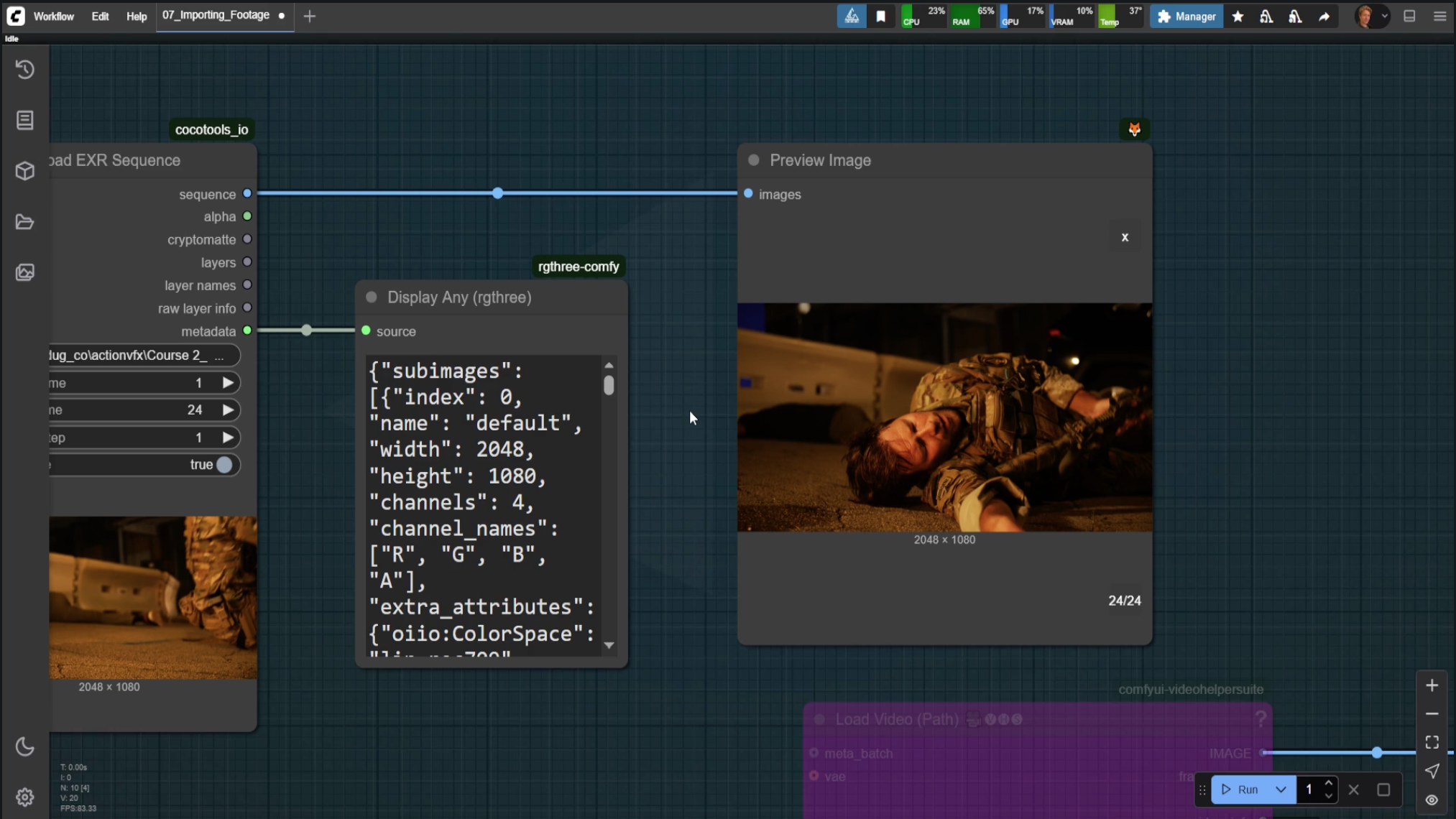
Importing VFX Plates
Bring EXR sequences into ComfyUI with proper folder structure and resolution handling.
Generating Utility Passes
Create alpha mattes, depth maps, and normals to support professional VFX workflows.
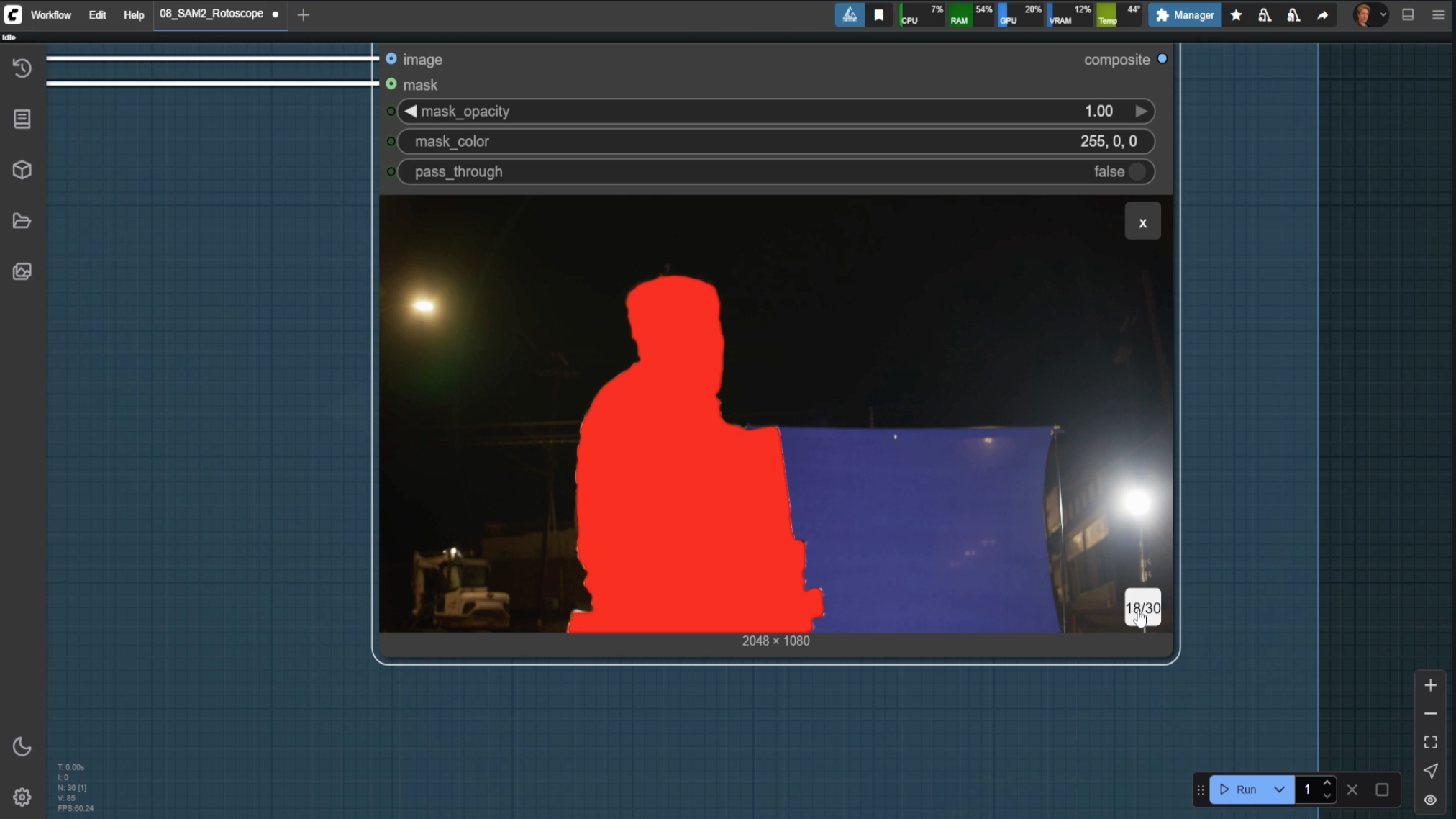
Inpainting and Clean Plates
Remove unwanted elements from footage using masks and AI-powered inpainting.
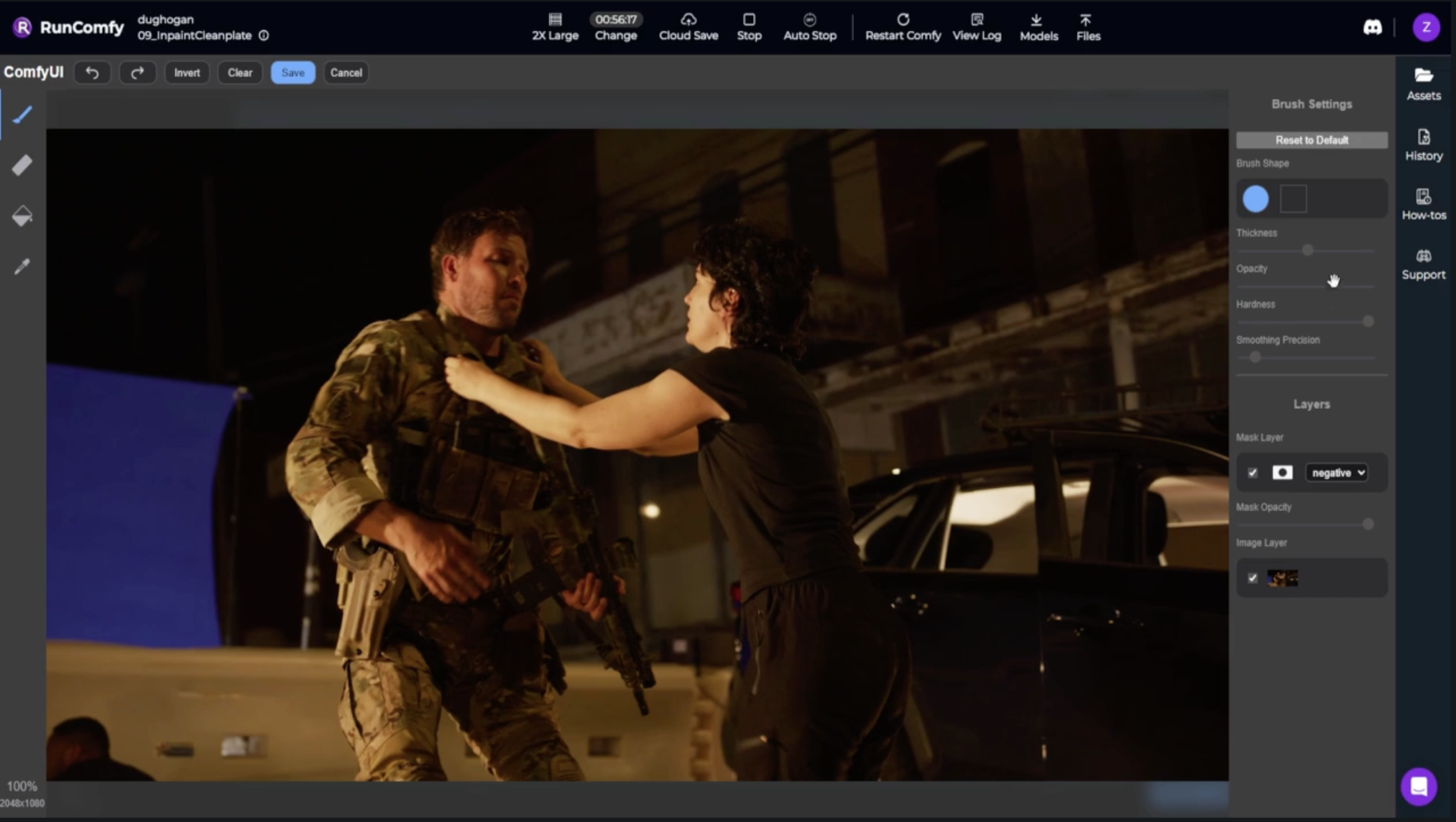
Set Extensions and Environment Generation
Design and extend environments using prompt-to-image and inpainting techniques.
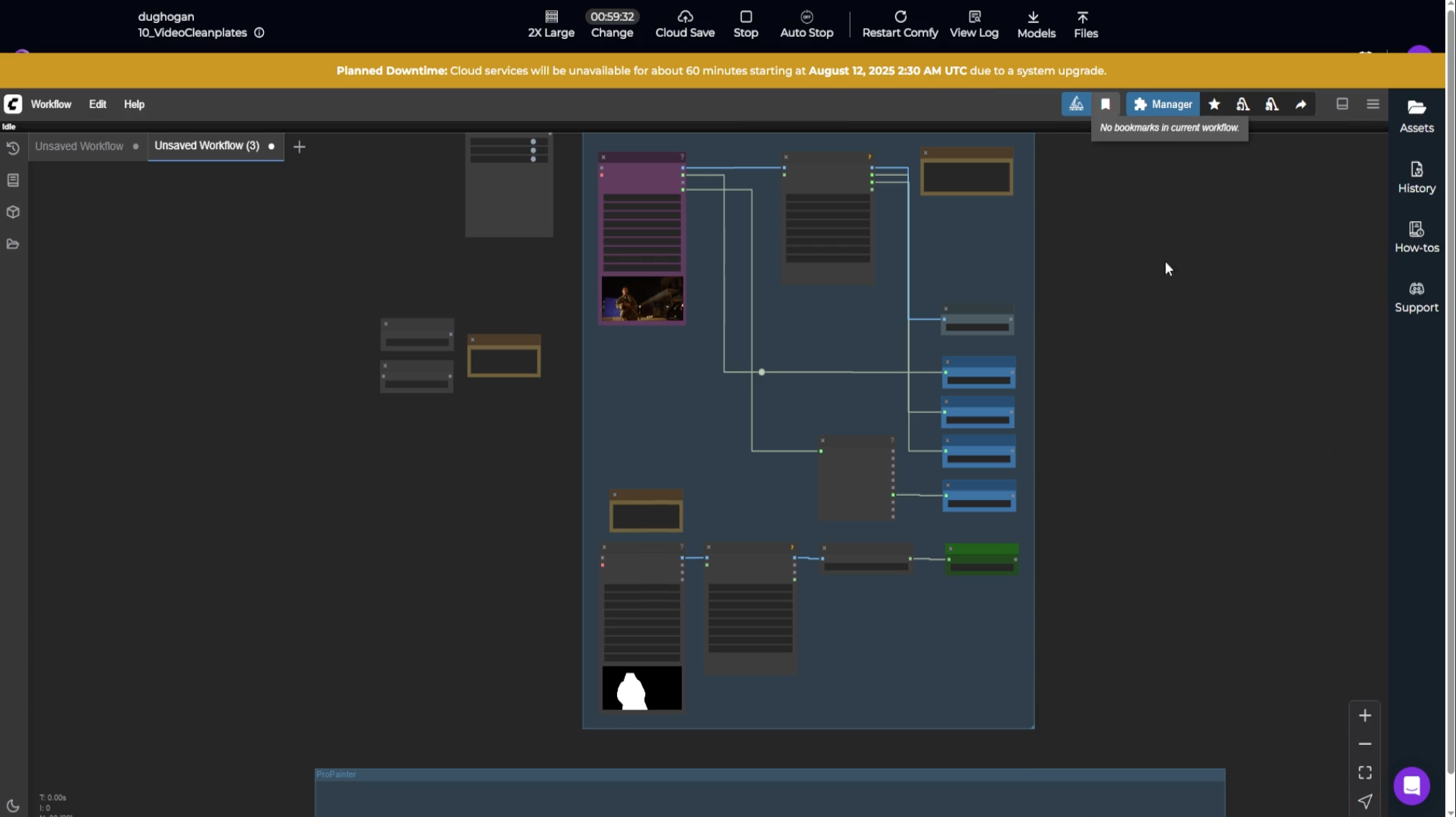
Synthesizing Shots with DMP & API Nodes
Build cinematic digital matte paintings using Google Earth imagery and API-based video generation.
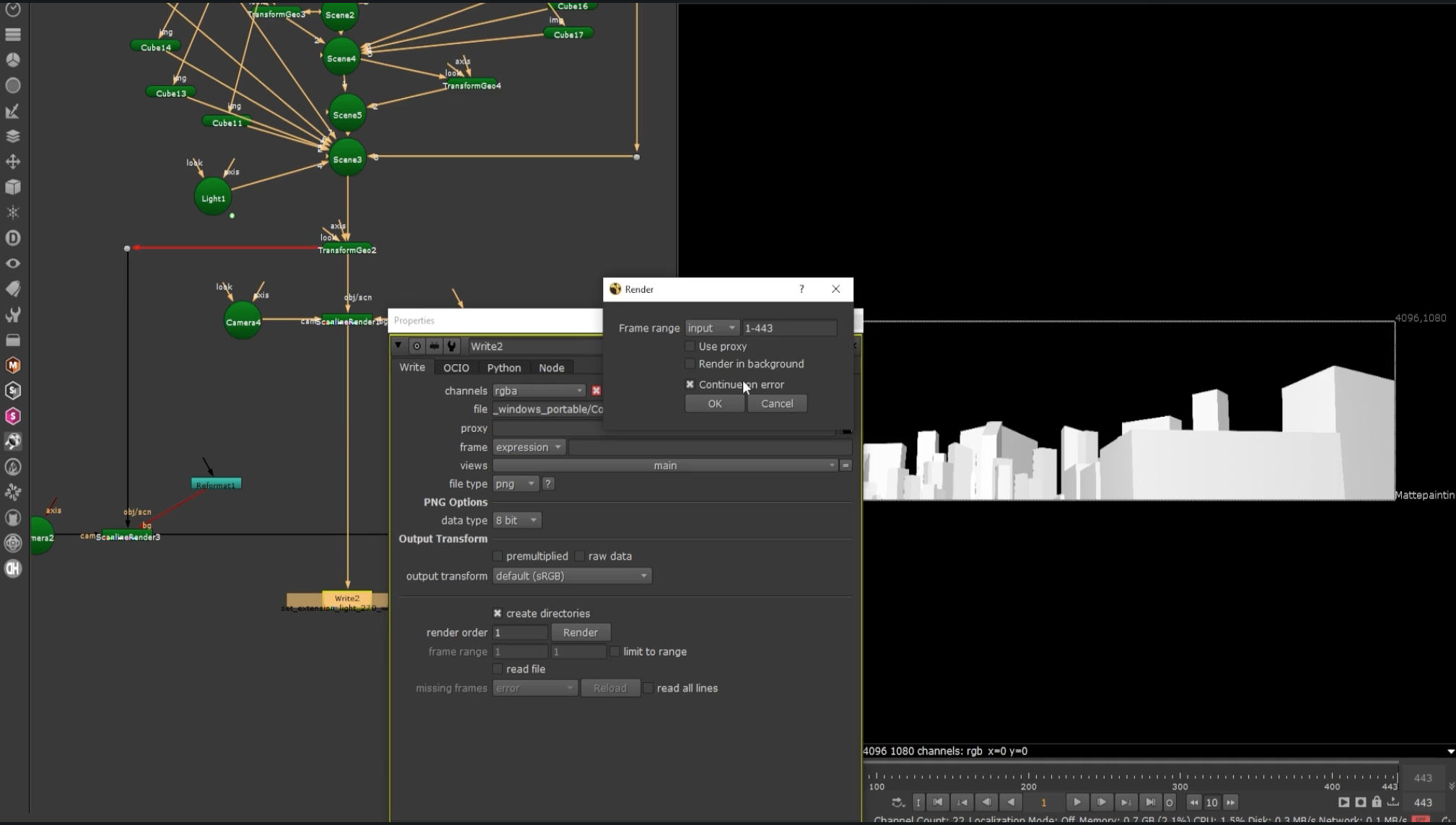
Object Design and Integration
Design props and vehicles with IPAdapters and integrate them using ControlNet and WAN VACE.
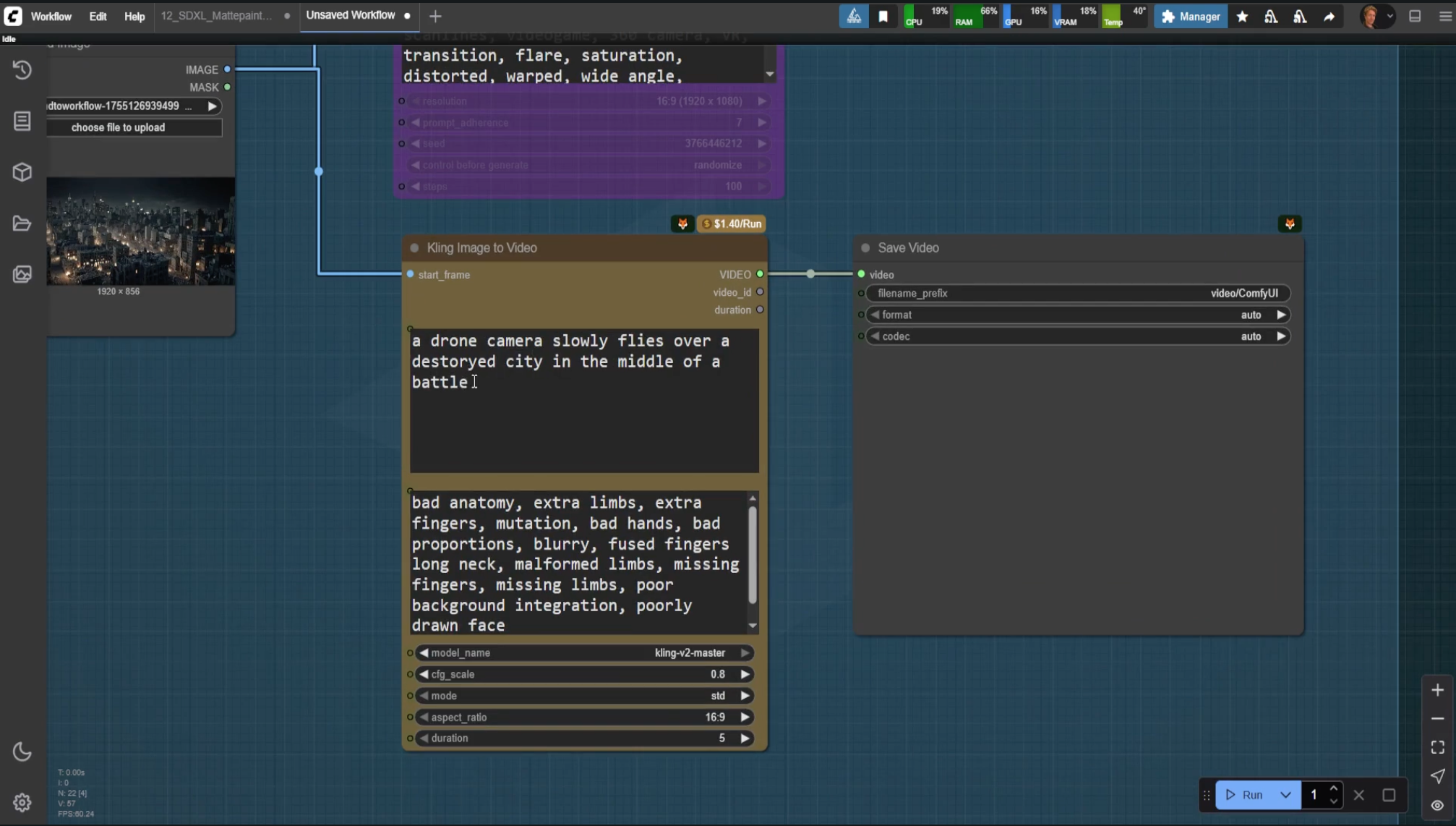
Upscaling for Final Output
Upscale AI-generated imagery to production quality using models like Real-ESRGAN and UltraSharp.
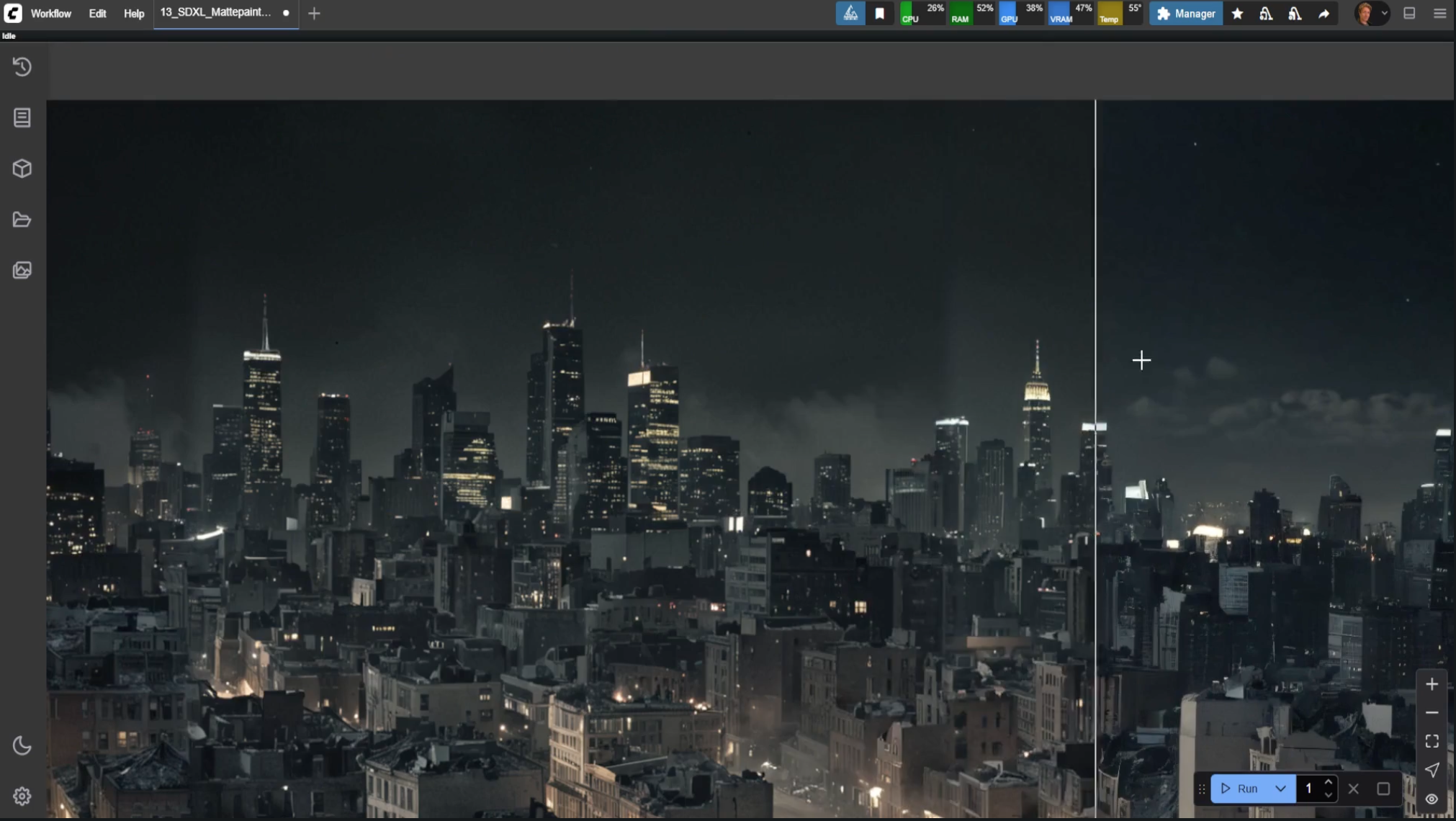
Exporting Your Work
Export in multiple formats with batch processing and proper shot naming conventions.

Doug Hogan is an experienced creative technologist with 20 years in the VFX industry. As an educator and speaker, Doug has been at the forefront of how studios are approaching AI integration. He is also sponsored by Dell and The Foundry for his work in AI and Nuke.
Currently, Doug works as Senior Creative Technologist at Groove Jones, an award-winning AI and VR company, and is a consultant for ComfyUI on studio-grade features. As a Nuke compositor, Doug’s credits include Space Jam: A New Legacy, G-Force, Scoob!, and Free Birds.
Are you ready?
Invest in a skill that saves you hundreds of hours in cleanup, roto, and matte work.
ComfyUI is a node-based software compositors can use to build AI workflows that speed up tasks like matte creation, set extensions, and cleanplating. Its output can be imported into standard compositing software, meaning it can be used in existing VFX pipelines.
Many studios rely on ComfyUI, and an increasing number of job listings for compositors list ComfyUI as a requirement. According to a 2026 poll we performed, ComfyUI was the #1 software VFX artists considered important to learn.
No, Nuke and Blender are not required for this course. The primary tool is ComfyUI, which integrates with your existing VFX pipeline. Course participants will have access to a 30-day free Nuke Non-Commercial license for the relevant modules. If you want to use other software like After Effects or DaVinci Resolve, we will still offer comparable instructions for you.
ComfyUI can run on most modern hardware. A GPU with at least 6GB VRAM is recommended. The course also covers cloud-based options for those without powerful local hardware.
No hidden fees. The course price includes all materials, resources, and lifetime access.
Yes, all modules are pre-recorded. You have lifetime access and can revisit any module at any time.
Yes, upon completing all course modules you will receive an official certificate of completion.
Yes, you will have access to instructor support through the private Discord community.