Stranger Things Upside Down Environment VFX | After Effects Tutorial
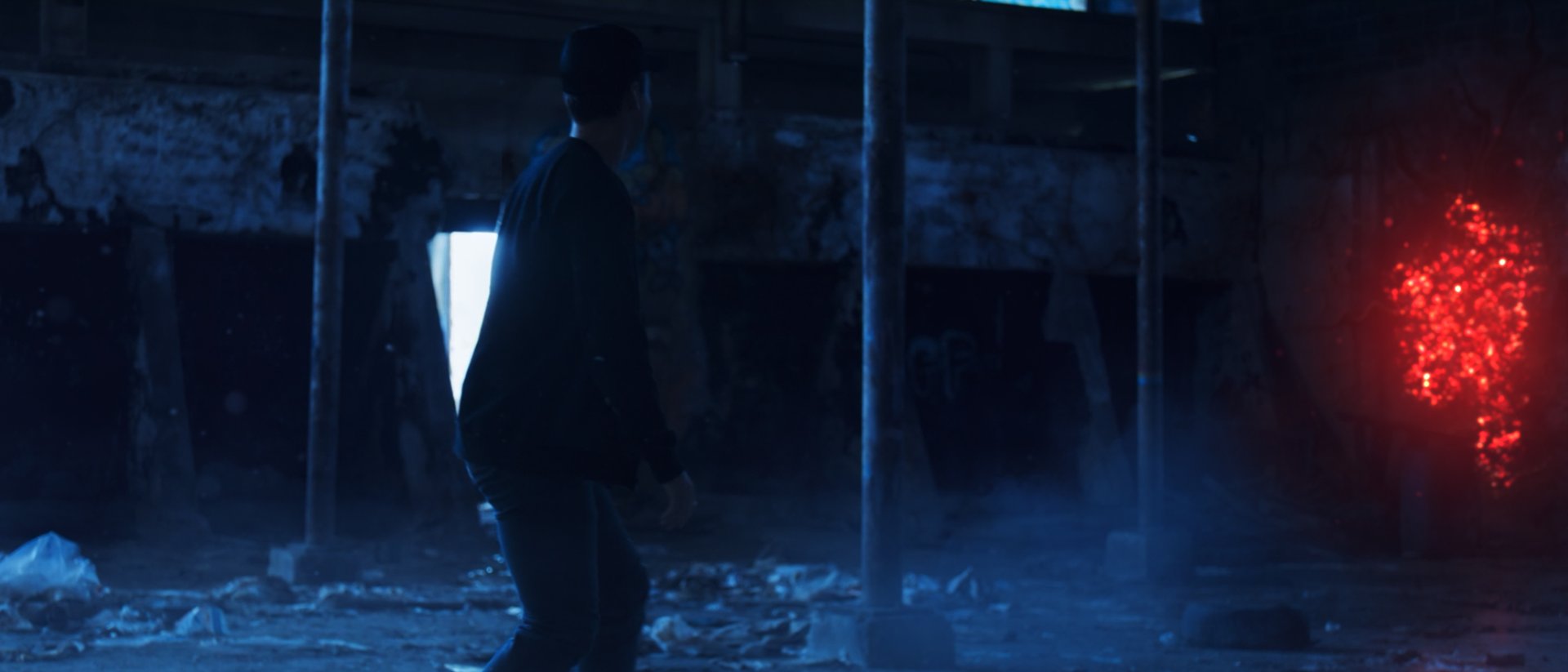
In this tutorial, you'll learn how to combine VFX assets to create an environment like the Upside Down in Stranger Things.
NO SPOILERS!
Why Environment Matters
The Upside Down is a great example of how environment VFX can impact the tone of a story. Across all five seasons of Stranger Things, the Upside Down is one of the most iconic environments of any show I can think of. It "looks like your worst nightmare — but also mind-bendingly mirrors the characters’ reality."
The team built the Upside Down with a mix of practical FX and a lot of VFX. Here's CoSA's breakdown from Season 1:
(P.S. The VFX artists had some help from ActionVFX in later seasons!)
In this After Effects tutorial, Danasa teaches how to creatively combine practical VFX elements to build an environment inspired by the Upside Down.
Tutorial Resources
You can follow along for free by downloading the project files here.
What's included:
- Background plate
- Assets from Smoldering Surfaces
- Assets from Air Particles
- Assets from Atmospheric Smoke & Fog Vol. 2
Collections Used:
- Smoldering Surfaces
- Free - Burn Mark Textures Vol. 1
- Atmospheric Smoke & Fog Vol. 2
- Air Particles
- Foreground Smoke & Fog Vol. 1
What You'll Learn:
- How to use Nodal pan camera tracking to composite elements into the shot
- How to create glowing portal FX
- How to add floating atmospheric particles in post
- How to create fake vine FX using fractal noise
If this was helpful, be sure to subscribe to our YouTube channel and hit the notification bell so you don't miss any tutorials!